Standard series
FR16
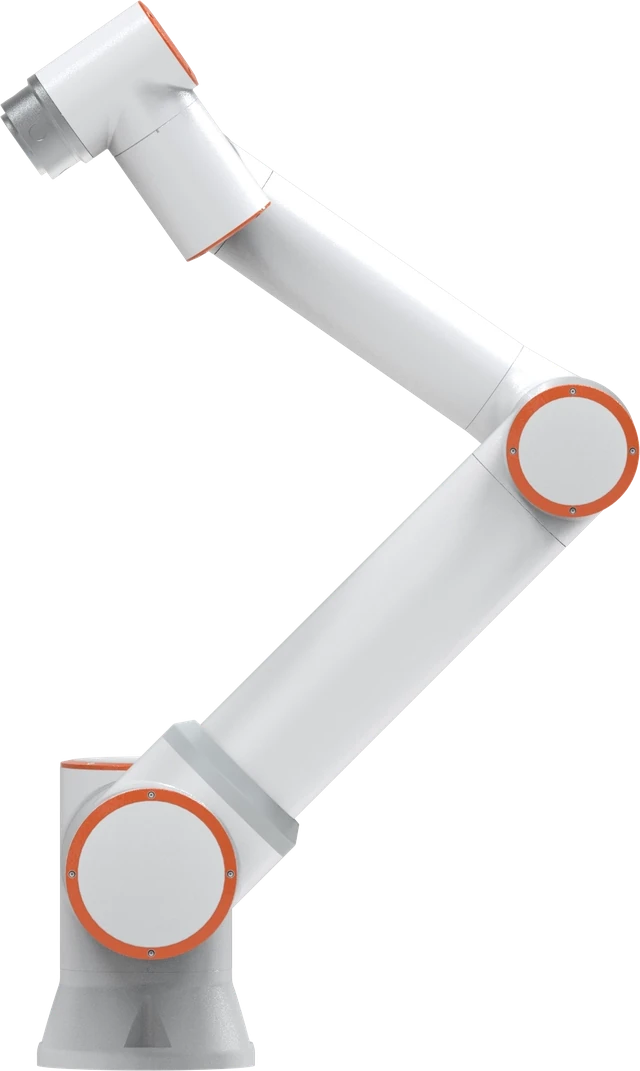
Payload16 kg
Reach1,034 mm
A 16 kg payload in a 1,034 mm working envelope.
Explore FR16Bring the heaviest case, complete pallet pattern, highest placement, and line requirements into the same plan.
Record minimum and maximum case weight, dimensions, surface condition, and any fragile or shifting contents. Include the intended gripper.
Provide pallet dimensions, layer patterns, total height, slip sheets, and the range of products that share the cell.
Describe arrival spacing, orientation, peak throughput, full-pallet removal, and empty-pallet replenishment.
Check the complete layout, including the highest and furthest placements, tool orientation, access, and safeguarding.
Bring your part, process, and production goals. Get practical guidance on robot selection and the complete application.
Request a consultationExplore these configurations, then review the tooling, layout, and complete cell requirements for your process.
A 16 kg payload in a 1,034 mm working envelope.
Explore FR16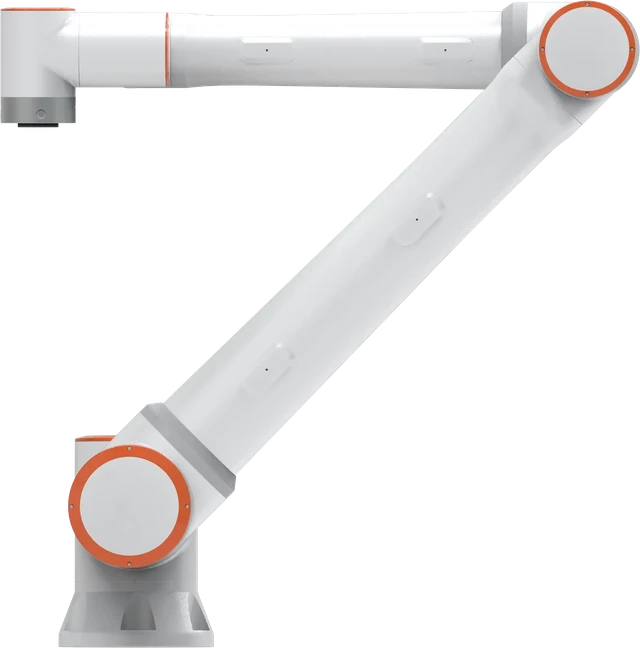
A 20 kg arm with 1,854 mm reach for larger parts and layouts.
Explore FR20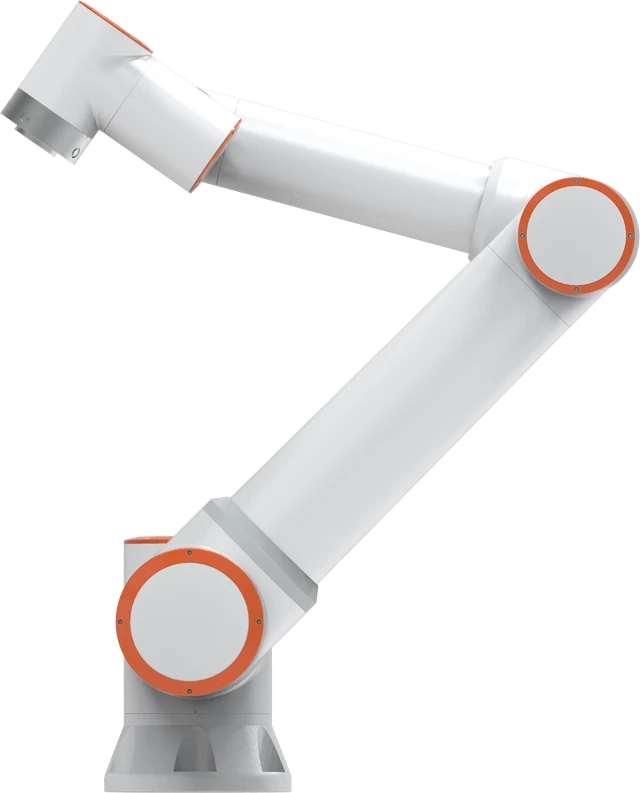
A 30 kg arm with 1,403 mm reach for heavier handling tasks.
Explore FR30Explore the full lineup or request a consultation to select a configuration for your process.
Have an application in mind? Start with a conversation about the parts, the process, and what a useful solution needs to do.
Use these guides to describe your process and prepare the questions you want to discuss.
Request a demo or consultation| Scope | Define before comparing prices |
|---|---|
| Product range | Case weights, dimensions, surface condition and the mix of SKUs. |
| Robot and tooling | Robot model, gripper, carried hardware and load geometry across the whole path. |
| Material flow | Infeed, pallet positions, layer sheets, wrapping handoff and operator access. |
| Acceptance | Stable loads at the target height and sustained cases per minute, including replenishment and recovery. |
Palletizing price depends on more than robot payload: the gripper, infeed, pallet presentation, stack height and guarding can change the cell scope. Request an itemized quote for your case range and required output.
Plan the case-palletizing cell and quotation, then discuss your automation project and the next step toward a demo or proposal.